
Nirvana Labs Object Storage is now available: S3-compatible storage for application files, backups and datasets at $10 per TB-month, with free egress.
We built our Accelerated Block Storage for workloads that need fast, consistent access to their data, including databases, blockchain nodes and analytics systems. Object Storage expands that foundation, giving your applications a shared place for the files they upload, generate and exchange.
You can now keep compute, block storage and object storage with Nirvana Labs, choosing the storage each part of your application needs.
Storage for more of your application
Applications produce data beyond their live database files. Users upload documents and images. Background jobs generate reports. Data pipelines produce exports, and backup workflows need somewhere to store their output.
Object Storage organizes these files in buckets, where applications can retrieve them through an S3-compatible API. The files remain separate from individual servers, so adding or replacing an application server does not require moving them from its disk.
Common uses include:
- Application files: user uploads, images, documents and generated reports.
- Backups and exports: database exports and backup files produced by your existing tools.
- AI and data workflows: source datasets, model artifacts and completed processing outputs.
Block storage and object storage, together
Many applications need both.
Consider a service that processes customer documents. Its database stores accounts, permissions and job status on block storage. The uploaded documents and completed reports live in object storage. Workers retrieve the source files, process them and write their results back to a bucket.
Each service can access the files it needs without tying those files to one worker’s local disk. Your database continues to handle the records and queries that drive the application.
Use the S3 tools you already know
Nirvana Labs Object Storage works with S3 clients such as the AWS CLI, boto3, rclone and AWS SDKs. Manage buckets and access keys through the Nirvana API, CLI or Terraform provider, then connect your S3 client to the appropriate regional endpoint.
Getting started follows a straightforward flow:
- Create a bucket in your project and an enabled region.
- Create an access key for the same project and region.
- Configure your S3 client with those credentials and the bucket’s endpoint.
- Upload your first object and retrieve it from your application.
The Object Storage documentation covers setup, credentials and client configuration.
Simple storage pricing, with free egress
Object Storage costs $0.01 per GB-month, equivalent to $10 for 1 TB stored for a full month.
Egress is free, and there are no separate charges for requests, buckets or access keys. An empty bucket costs nothing.
Usage is billed hourly, so data stored for part of a month is charged for the time it is stored. Stored usage is rounded up to whole gigabytes for each project in each region. See the billing details for how usage is measured.
Start building with Object Storage
Give your application a shared home for uploads, backups and datasets, alongside the compute and block storage it already uses.
Related Posts
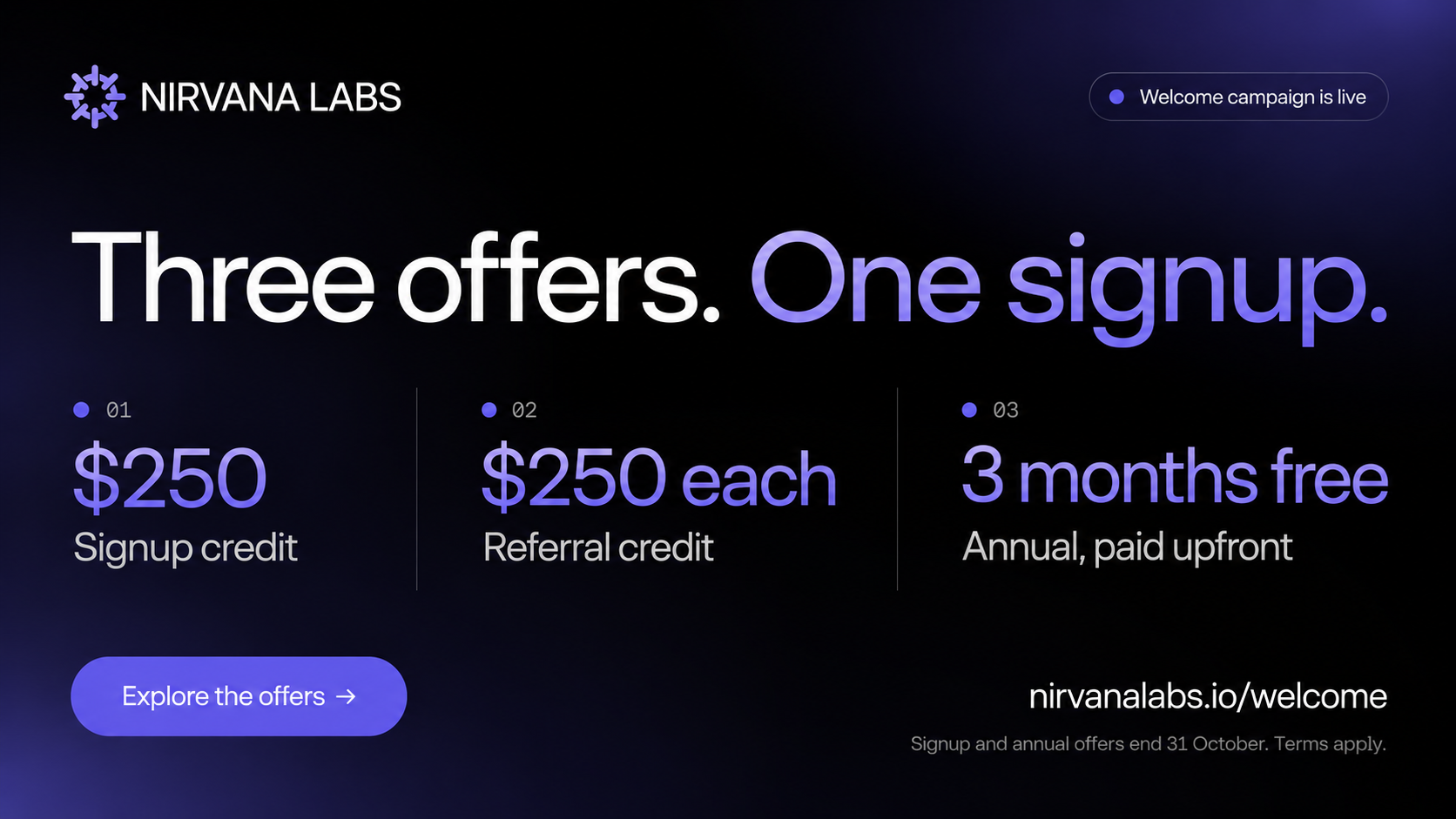
Nirvana Labs Welcome Campaign is Live.
$250 in credit to start. $250 each way when you refer a team. Two or three months free on annual. They stack.
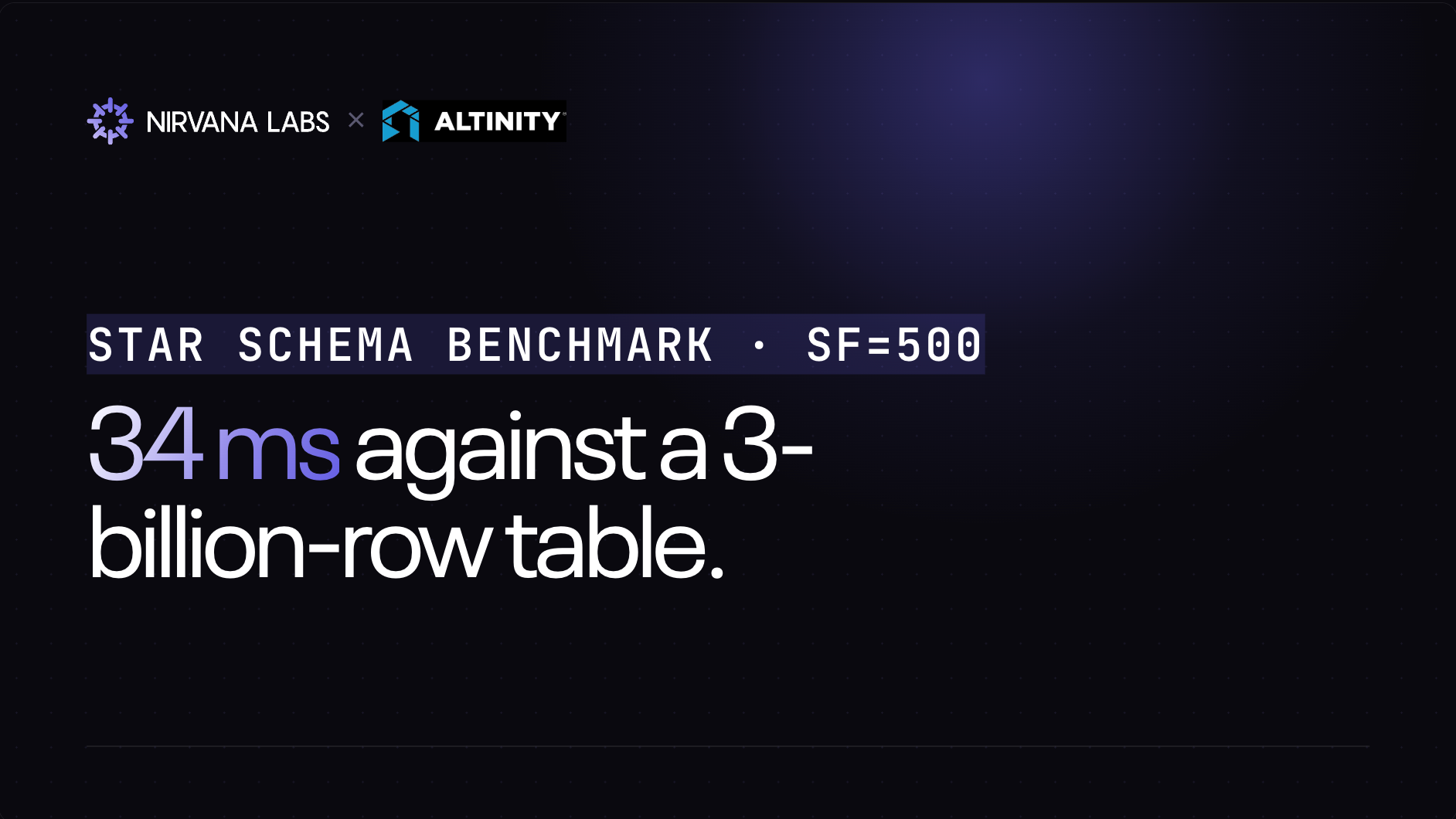
Star Schema Benchmark: ClickHouse® on Nirvana × Altinity
Star Schema Benchmark: ClickHouse® on Nirvana × Altinity: 34 ms selective queries against a 3-billion-row table. ~70M rows/sec sustained on full scans from disk.
Nirvana × Altinity BYOC Partnership
Nirvana Labs (Nirvana), a high performance storage cloud, is announcing a strategic partnership between Nirvana and Altinity, the largest independent managed service provider for ClickHouse®. The integration is now generally available as a Bring Your Own Cloud (BYOC) deployment on Altinity.Cloud.
Powering AI, blockchain, and
databases
