Nirvana Kubernetes Service (NKS) Now Supports Auto-Scaling
 April Wong
TL;DR
- NKS now supports auto-scaling, powered by Karpenter.
- Worker nodes scale up and down automatically based on workload demand — no manual intervention required.
- No controllers to install, no CRDs to manage. Enable it with a single flag.
- Available now in your Nirvana dashboard.
When we launched Nirvana Kubernetes Service in March, teams could add and remove worker nodes manually to match their workloads. Today, NKS handles that for you.
What is auto-scaling?
Auto-scaling automatically adjusts the number of worker nodes in your cluster based on real-time demand. When pods need more capacity, new nodes spin up. When usage drops, the autoscaler consolidates workloads onto fewer nodes and gracefully removes the rest — respecting PodDisruptionBudgets so no pods are killed mid-flight.
How it works on NKS
You declare one or more node pools with the instance types your cluster can use. The autoscaler watches for pending pods, matches their resource requests against your declared pools, and picks the best fit. A cluster with a general pool and a compute pool will route a lightweight workload to general and a heavy job to compute automatically.
Under the hood, auto-scaling is powered by the open-source Karpenter project, but you never touch it directly. There are no controllers to install and no custom resources to manage. You work with standard Nirvana cluster and node pool resources, and enable auto-scaling with a single flag via API or Terraform.
Auto-scaling that stays within your control.
The autoscaler works within the bounds you set, scaling your declared pools up to their limits, never creating instance types or pools you didn't define. For bursty or unpredictable workloads, capacity shows up when you need it and disappears when you don't. Combined with Nirvana's transparent VM pricing and no management fees, auto-scaling keeps your infrastructure right-sized to actual demand.
Get started
Enable auto-scaling on any cluster via API, Terraform, or the Nirvana dashboard. Full details in the auto-scaling docs.
New to Nirvana? Sign up and spin up your first cluster in minutes.
Nirvana: Modern Cloud for Real-time Workloads
Ultra-fast Block Storage with High IOPS, powering blockchain, AI and real-time systems.
Learn more at Nirvana Labs
Nirvana Cloud | Pricing | Blog | Docs | Changelog | Twitter | Telegram | LinkedIn
Related Posts
How to Choose Cloud Infrastructure for a Vector Database
Choose vector infrastructure by query latency, recall and concurrency. Nirvana completed its mixed agent benchmark sooner, while io2 delivered lower Qdrant p99.
How to Choose Kubernetes Storage for High IOPS Workloads
A practical comparison of cloud volumes, NKS with ABS, OpenEBS, Rook/Ceph and Portworx, with a test plan for sustained performance and application recovery.
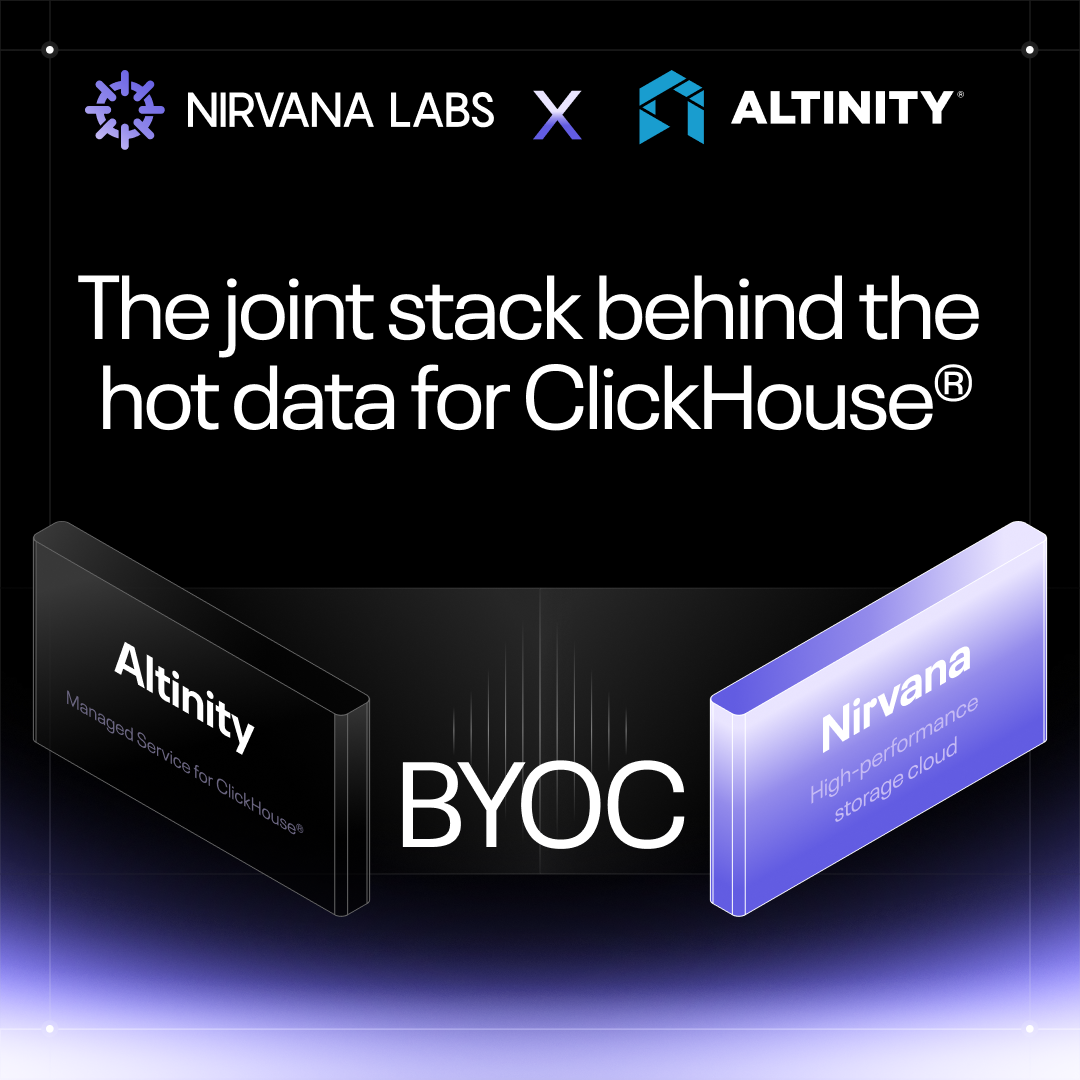
Altinity × Nirvana: The joint stack behind the hot data for ClickHouse®
Nirvana is now a BYOC option on Altinity.Cloud. This is the architecture behind it: Altinity manages everything from the database down to Kubernetes, Nirvana operates NKS and the infrastructure beneath it, and the stack was benchmarked before it ever went GA. Here's the layer-by-layer breakdown.
Powering AI, blockchain, and
databases
