
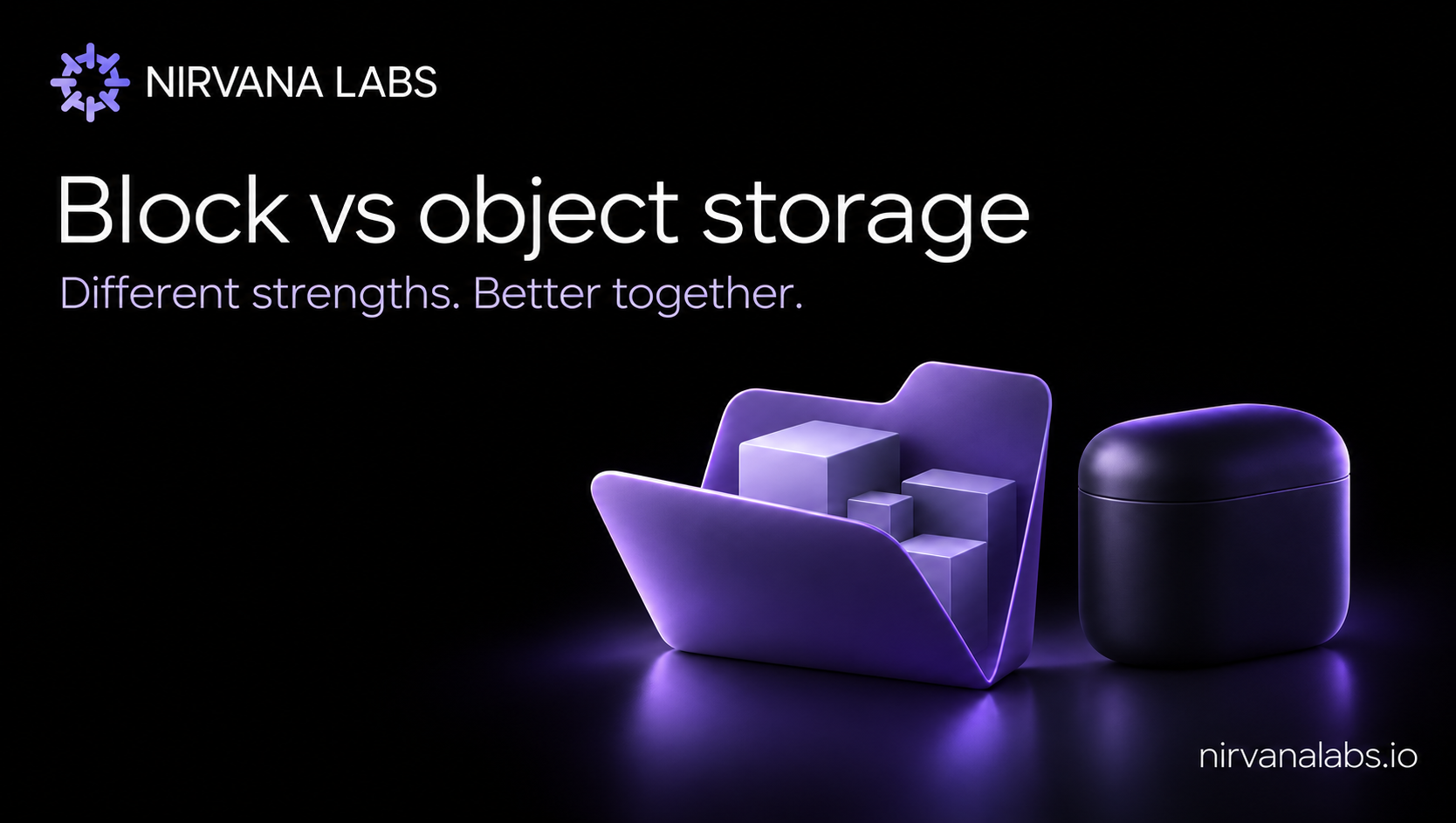
Block storage and object storage are complementary building blocks for modern applications. Block storage presents a volume that software can use as a disk. Object storage presents named objects through an API, making it a natural home for shared datasets, media, backups and application content. The right choice starts with how your software reads, writes and shares data.
TL;DR
- Choose block storage for applications that expect a disk, including many databases and virtual machines.
- Choose object storage for API-based data access, shared datasets, media, backups and data lakes.
- Use both when an application needs an active database alongside a shared content or data layer.
- Compare the actual service, access pattern, recovery requirements and complete cost. Neither category has a universal performance advantage.
What is block storage?
Block storage exposes a volume whose blocks can be read and written individually. An operating system can place a filesystem on that volume, or software can use an appropriate direct interface. This makes block storage useful for applications designed around disk access and frequent updates to parts of their data.
Common examples include database data files, virtual machine disks and persistent application volumes. The filesystem, database configuration and storage service together determine the behavior the application experiences. A volume's capacity or advertised IOPS alone does not describe transaction latency.
What is object storage?
Object storage organizes data as objects addressed by keys, with associated metadata and access through APIs. Applications can retrieve and publish data without managing a disk attachment for every consumer. This model fits shared datasets, media libraries, application uploads and data pipelines.
Object storage is also an active application data layer. Analytics systems can read datasets from it, services can deliver content from it, and processing jobs can publish results back to it. Google Cloud's storage architecture overview describes these different interfaces and their common uses.
Features such as versioning, lifecycle policies, replication and retention controls can support data management over time. Availability and configuration vary by provider and service tier. For a concrete example, the Amazon S3 documentation covers storage classes for frequently accessed production data as well as archiving, plus lifecycle and access-management features. Object storage should not be treated as synonymous with cold storage.
When should you use each?
Start with block storage when the software expects a disk or filesystem and its supported deployment model uses that interface. A transactional database with frequent page updates is a common example.
Start with object storage when applications work with named data through APIs and several services need access to the same dataset or content collection. Examples include uploaded images, analytical datasets, software packages, backup objects and exported reports.
Evaluate a file service when several machines need a shared directory tree through a filesystem protocol. File storage is another interface choice; it can also be built on other storage layers. Check the exact operations your application requires.
How do block and object storage work together?
Consider an application that stores account records in a database and accepts customer uploads. Its database can use block storage while uploaded documents live in object storage. The database tracks each object's key and application metadata. Both layers serve the same product with different access patterns.
A data platform can similarly keep shared input datasets and published outputs in object storage while using block volumes for services that need disks. Design the handoff explicitly: verify a successful upload, record its identifier, and make retries safe. Decide how deleted or superseded data is handled in both places.
How should you compare performance and cost?
Test the operation your application actually performs. For a database, that may be a durable transaction under concurrent load. For an object workload, it may be uploading a large dataset, reading byte ranges or serving many objects concurrently. Record data sizes, concurrency, network placement and latency distributions alongside throughput.
Compare complete deployment costs. For block storage, include provisioned capacity, any separate performance charges, snapshots and operating work. For object storage, include stored capacity, request charges, retrieval, transfer, retained versions and lifecycle rules where applicable. Pricing structures differ, so calculate against the same workload and retention period.
Test recovery as well as speed. Define the acceptable data loss and recovery time, verify permissions, and rehearse a restore. Neither a persistent volume nor an object bucket removes the need for a tested recovery plan.
Where Nirvana fits
Nirvana high performance block storage is an option for the volume layer of a stateful deployment. Evaluate it in the complete architecture, including any object storage used for shared data, content or backups. For disk-based database evaluation, see the fsync latency guide.
FAQ
Is object storage only for backups?
No. It also supports active content delivery, shared datasets, data lakes and applications built around object APIs.
Is block storage always faster?
No universal ranking describes every service and workload. Measure the required operation, concurrency, network path and service configuration.
Can one application use both?
Yes. A database on block storage and a shared content collection in object storage are complementary parts of one application.
Updated 5 November 2026. This guide describes architectural choices and an evaluation method, not new benchmark results.
About Nirvana Labs
Nirvana Labs is a high-performance storage cloud built for blockchain, AI and databases: demanding, real-time, stateful workloads. Its high performance block storage, compute, private networking, Nirvana Kubernetes Service and Agent Sandboxes help teams build and operate data-intensive applications.
Learn more at Nirvana Labs.
Nirvana Cloud | Pricing | Blog | Docs | Changelog | LinkedIn | Twitter | Telegram | YouTube
Related Posts
PostgreSQL Replication Slots: Prevent WAL Retention From Filling Storage
Plan PostgreSQL WAL headroom around replication-slot retention, consumer outages and recovery. Includes monitoring queries and a practical acceptance test.
ReadWriteOnce vs ReadWriteOncePod: Choosing Single-Writer Storage
Choose Kubernetes volume access modes by the writer boundary. Compare RWO and RWOP, verify CSI support and test competing writers before deployment.
How to Benchmark fsync Latency for a Cloud Database
A three-layer test for fsync, WAL and transaction latency, without weakening durability or mistaking peak IOPS for commit performance.
Powering AI, blockchain, and
databases
