
TL;DR
Three storage types, one rule: match the type to how your data is accessed.
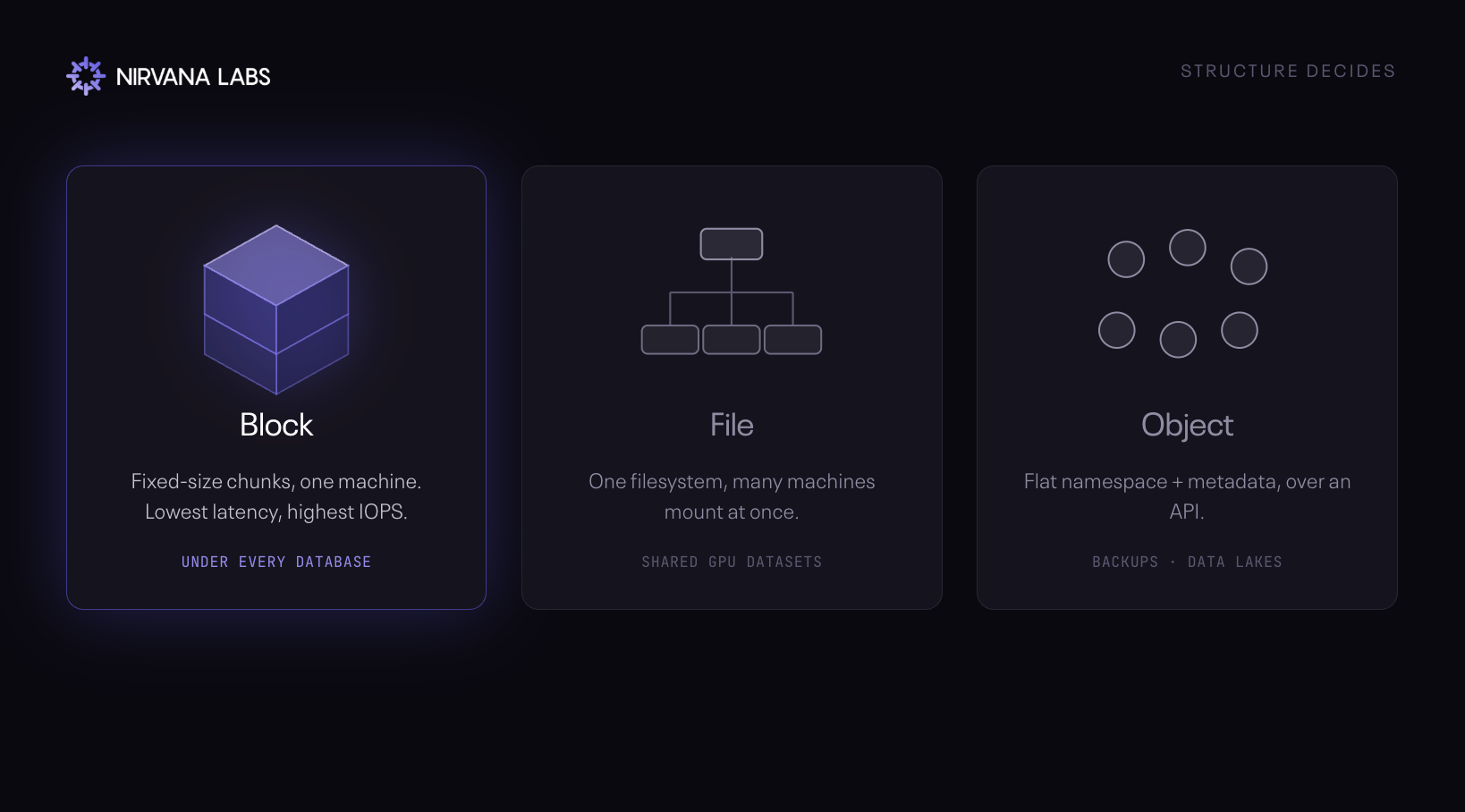
- File (shared drive, NFS/SMB): many machines read the same files at once, like a GPU cluster on a training set. Intuitive, but deep folders slow it down at scale.
- Block (raw chunks, one machine): lowest latency, highest IOPS. Where databases and live data run. Fast, but pricey and hard to share, so not for bulk.
- Object (S3 bucket, over an API): cheapest, near-infinite scale. Backups, data lakes, model weights. High latency and immutable, so never a live database.
At SuperAI this year, storage was everywhere. Object storage vendors, high-performance file storage players, even diamond sponsors staking out the space. For an AI conference, that says something: storage isn't an afterthought anymore. Teams are gearing up, and the demand is running right through the stack.
What stood out in the conversations was the confusion. We spoke with companies running block storage who called it "S3." The labels have blurred to the point where "storage" just means "the place data goes," and the distinctions that decide latency and cost get lost.
So let's clear it up: three types of storage, how each is built, how people use it, and which one to reach for when you're running agents.
File storage
File storage organizes data the way your laptop does, nesting files inside directories and subdirectories. That hierarchy is what makes it intuitive for people and natively compatible with Windows and Linux, which is why so many existing applications simply expect it. It's the standard for shared drives, document collaboration, and legacy enterprise software. In AI, it's how a GPU cluster reads the same multi-terabyte training set across every node at once, mounted off a high-throughput parallel file system like WEKA or AWS FSx for Lustre.
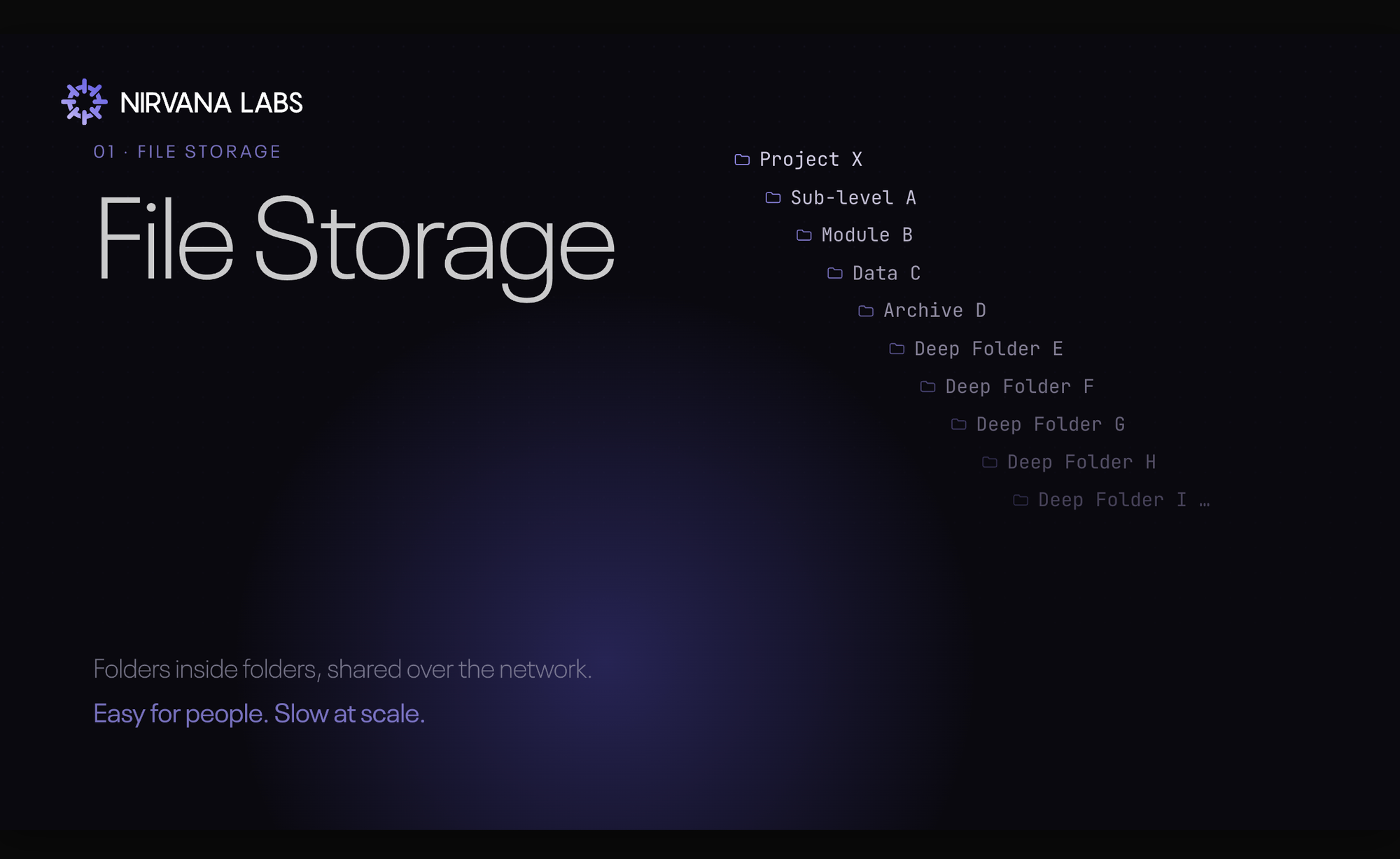
The trade-off is the overhead of the hierarchy itself. When you scale to millions of files, walking deep directory paths to find a single item becomes a bottleneck, and the filesystem, not the disk, turns into the ceiling. The same structure that makes file storage easy to use is what makes it complex and expensive to optimize at extreme scale.
Block storage
Block storage throws out the folders. A file is chopped into fixed-size units, each stamped with a unique ID, and each block floats independently with no filesystem overhead in the way. Think of a bar-coded bookshelf: the system reads the code and goes straight to the exact slot, no browsing. That direct path is what delivers the lowest latency and the highest IOPS of the three models.
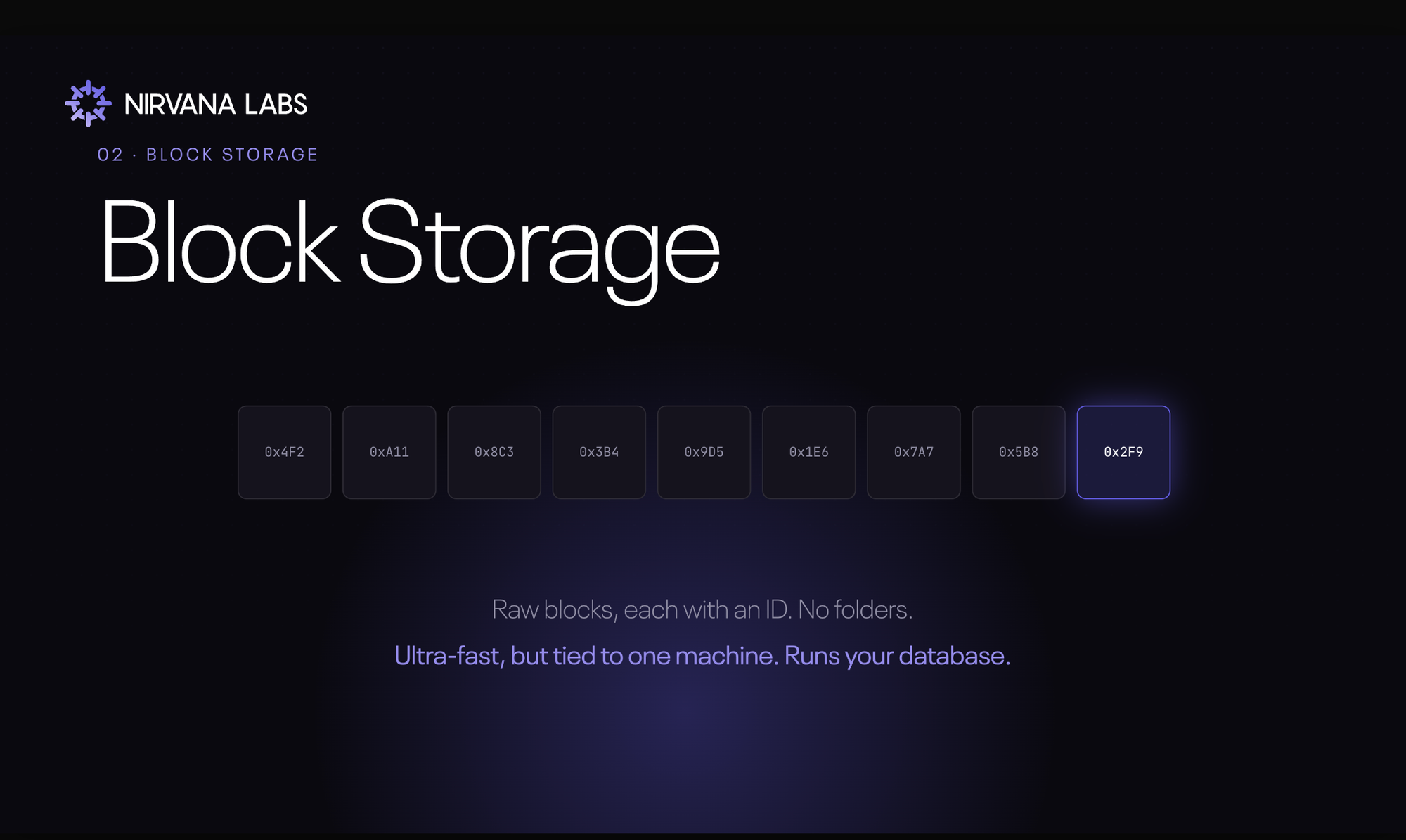
To use it, you attach a volume directly to a single compute instance, where it behaves like a dedicated local hard drive for that one server. This is where databases live. Run Postgres, ClickHouse, Elasticsearch, or MongoDB and the hot data sits on block storage, because the workload is thousands of small, constant transactions where latency decides whether the system keeps up. An AWS EBS volume under an RDS database. A blockchain archive node holding hundreds of gigabytes of constantly-updated chain state. A trading firm's order book, where a millisecond of storage latency is a millisecond of slippage.
That performance has a price. Blocks carry no metadata, so the storage system has no idea what the data actually is, and scaling it means provisioning volumes by hand. Because the volume is bound to one machine, sharing it across a network adds back the very latency you paid to avoid, nullifying the advantage. And the premium cost per gigabyte makes block storage the wrong place to archive anything. It's the performance engine for always-hot data, not a bulk store.
Object storage
Object storage flattens everything into a single pool. There are no folders. Each object is dropped in and bundled with a metadata tag and a unique ID, and that flat design is what lets it scale to petabytes and exabytes with remarkable cost efficiency, because there's no directory tree to manage. Picture a vast warehouse where a robotic catalog knows exactly where every item sits, no aisles to walk.
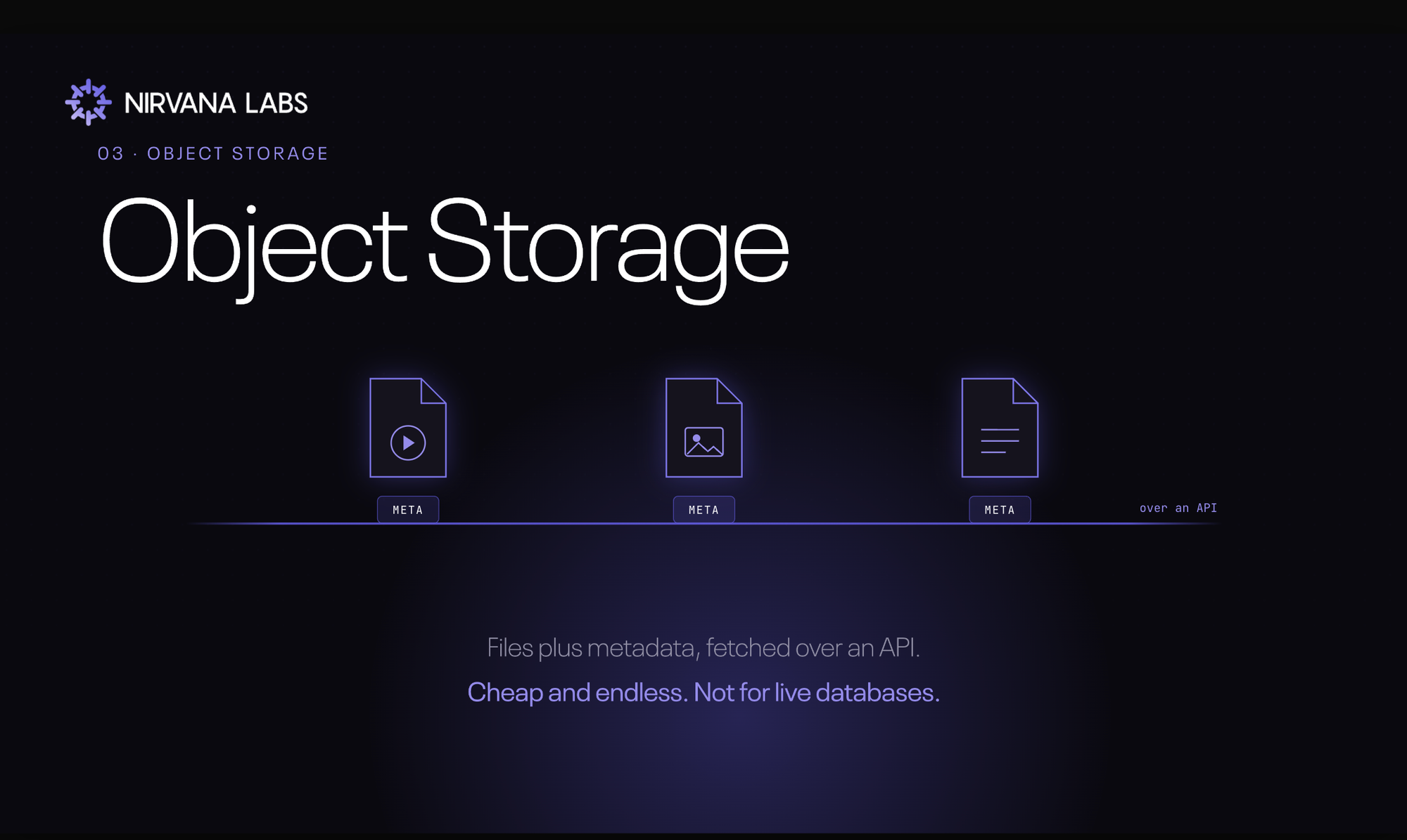
You reach it not by attaching a disk but over the network, through HTTP and RESTful APIs. That makes your storage reachable from anywhere and easy to wire into cloud-native apps and distributed AI pipelines. It's the system of record for AI datasets and unstructured media: Netflix streaming its catalog from S3, Hugging Face datasets and model checkpoints parked in a bucket, nightly backups, raw logs feeding a data lake queried in batch.
The trade-off is that objects are immutable. Change a single line and you rewrite the whole object, which rules object storage out for live transactional databases. Network access also raises baseline latency. Point a GPU training run at naive sequential reads from object storage and the GPUs sit idle waiting, which is why engineers lean on caching and prefetching to hide the lag. Cheap and effectively infinite, but never the place for hot, latency-sensitive work.
How to choose
The decision comes down to access pattern, not preference. Get it wrong and the failure is immediate: put a high-speed relational database on object storage and the latency alone will sink the app on day one.
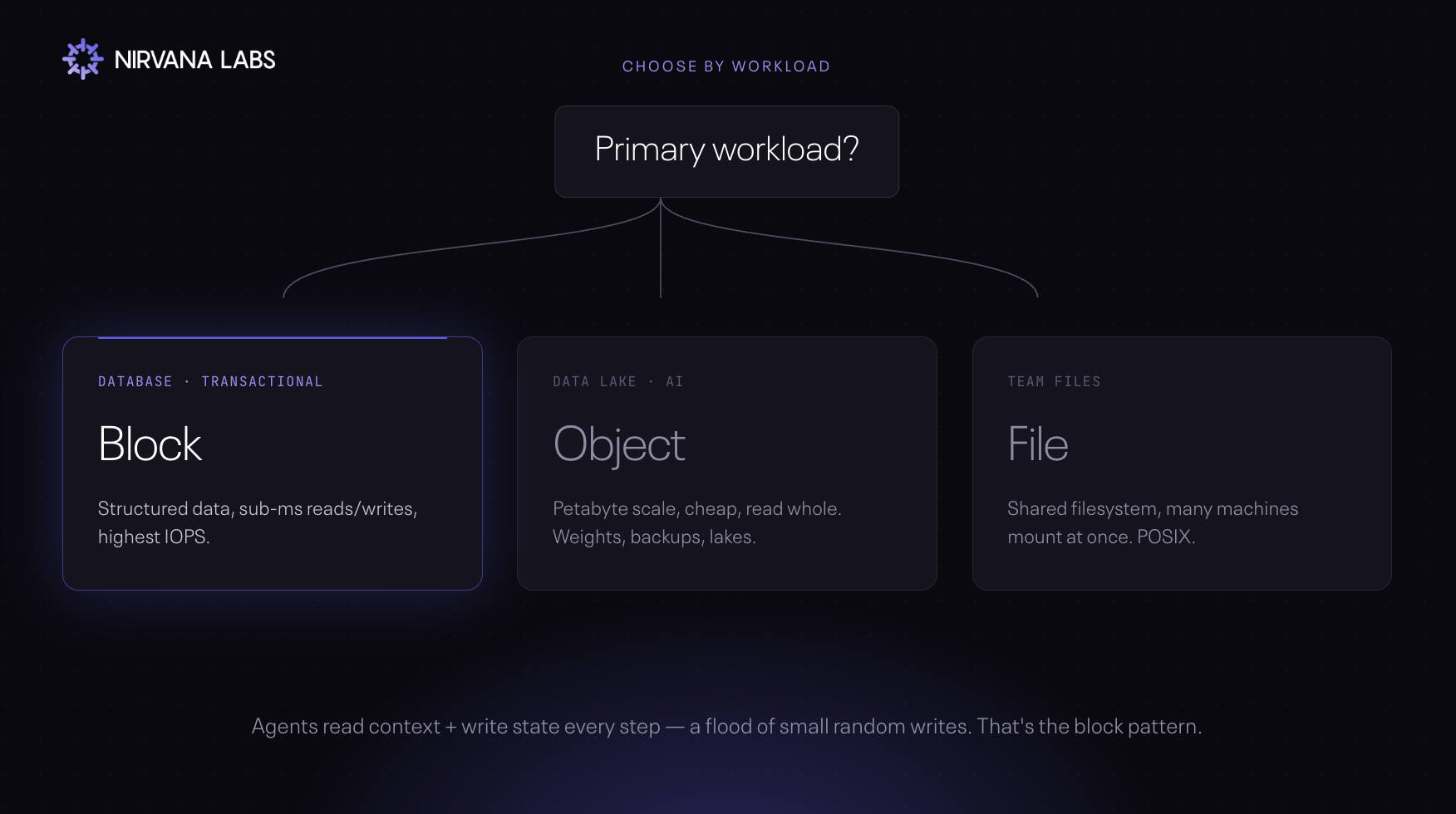
Many small random reads and writes that care about latency? You want block (databases, real-time analytics, indexing). Many machines sharing the same files? You want file. Large volumes you read whole and infrequently, where cost-per-gigabyte rules? You want object.
In practice the answer is rarely one type. The strongest architectures are tiered: object for the data lake, backups, and the AI dataset of record; file for shared application data; block for the databases and latency-sensitive systems doing the real work. You move data across tiers as it cools, paying block prices only for what's hot. The mistakes to avoid are the two ends of that trade: running a high-IOPS database on object storage to save money, or paying block prices to archive cold data.
Where Nirvana fits
Nirvana is built around high-performance block storage, because the workloads we serve, blockchain, AI, and databases, are dominated by exactly the access pattern block storage wins at: thousands of small random reads and writes at high queue depth, where sustained IOPS and sub-millisecond latency decide whether the system keeps up.
Accelerated Block Storage (ABS) delivers sustained 20,000 baseline IOPS (up to 600,000 burst), sub-millisecond latency, and io2-class performance at gp3-class pricing, with no burst-credit falloff and flat per-TB billing. That's the layer under a vector database, a ClickHouse cluster, an archive node, or a fleet of concurrent agents writing memory and context to disk.
About Nirvana Labs
Nirvana Labs is a high-performance storage cloud purpose built for blockchain, AI and databases i.e. the most demanding, real-time, stateful workloads. Accelerated Block Storage (ABS) offers 20K baseline IOPS included, no over provisioning. Nirvana Kubernetes Service (NKS) with Karpenter auto-scaling, high clock-speed compute and private networking. Backed by Jump Trading, Crucible, etc with 50+ customers live in production today.
Learn more at Nirvana Labs
Nirvana Cloud | Pricing | Blog | Docs | Changelog | LinkedIn |Twitter | Telegram| YouTube
Related Posts
How to Benchmark PostgreSQL WAL and Commit Performance on Cloud Storage
A repeatable PostgreSQL storage evaluation: control durability settings, separate transaction and commit latency, inspect WAL and checkpoint metrics, and test recovery.
How to Test Redis AOF Rewrites and Recovery Before Production
A practical acceptance test for Redis persistence: measure rewrites under load, validate acknowledged writes after failure, and prove independent backup recovery.
Altinity.Cloud BYOC: An Evaluation and Migration Guide
Evaluate Altinity.Cloud BYOC for ClickHouse® with ownership, workload, backup and migration checks before a reversible cutover.
Powering AI, blockchain, and
databases
